Testing Your VHF Antenna and Coax: Radio Checks, SWR, Connectors and Mounts
Most weak or scratchy VHF radios have nothing wrong with the radio. Learn how to test the whole antenna system, from a proper radio check and a DSC test call to a multimeter and SWR meter, how to find corroded connectors and wet coax, and when to replace the cable, antenna or mount.

Time
1 h 30 min
Shop would charge
$100-600
Applies to
All engines
Safety first: Never press the DSC distress button or call MAYDAY to test your radio. Use the DSC test call and a voice check on channel 9 described below. Turn the radio off before you disconnect any cable, and never transmit with the antenna disconnected unless you're doing the specific meter test in step 10 (and even then only in short, low-power bursts). Keep people at least a few feet from the antenna while you transmit. Climbing a mast or tower to reach an antenna is a job for a rigger with proper gear. If your radio fails when you need it, use a handheld VHF, your phone (911) or an EPIRB/PLB.
Owners often ask
- Where can I get a radio check now that the automated Sea Tow radio check is gone?
- What SWR reading is good for a boat VHF antenna?
- My VHF picks up the weather channel fine but nobody hears me. Is it the radio or the antenna?
This guide walks you through it. Still stuck? Ask the AI Mechanic about your engine.
Tools
- Digital multimeter
- VHF SWR meter or directional power meter that covers the marine VHF band (156-162 MHz)
- Short coax jumper with PL-259 plugs on both ends (to connect the meter)
- Flashlight, clean rags and electrical contact cleaner
- Soldering iron and coax stripping tool, if you'll fit new connectors
Parts & supplies
- Marine-grade PL-259 connectors (tinned, for your coax size)
- Replacement coax of the type and size your antenna or installer specifies
- Self-amalgamating (self-fusing) tape and UV-resistant electrical tape
- Dielectric grease (outer surfaces only)
- Replacement antenna mount or ratchet base, if cracked
Before you start
Why antennas fail. Your VHF works as a chain: radio, coax cable, connectors, antenna and mount. West Marine's checklist points to the usual weak links: corrosion at connectors, water getting into the coax at the top, loose fittings and cable damaged along the run. Practical Sailor adds that water spreads quickly along foam-insulated coax such as RG-8X and LMR types, and that lightweight coax with an aluminum shield corrodes very quickly once wet.
What range to expect. VHF is line of sight, so antenna height decides range. In Boating Magazine's test, eight-foot antennas mounted about seven feet above the water all reached about five miles to another boat, while a short three-foot antenna started fading at about two miles. A big drop from what you used to get is the clue that something has changed.
Symptoms and likely causes:
- Crackle, dropouts that come and go: a loose or corroded connector, or cable strain at a fitting
- Good reception but poor transmit reports: high SWR from a connector, coax or antenna fault
- Weak in both directions: wet or damaged coax, or a failed antenna
- Problems only on one antenna after adding AIS: the splitter or its wiring
Work from cheap to involved. Start at the radio, then follow the cable up to the antenna. Most faults turn up before you need a meter.
Suspect the antenna system before the radio. Eric Steinberg of Farallon Electronics, writing for Sailing Scuttlebutt, says the radio itself is rarely the problem and that most marine electronics failures are connection related. Because receiving is easy, a poor antenna system can still pull in the weather channel; if weather broadcasts that used to be clear now sound scratchy, take that as a warning. His quick test is to plug a spare emergency antenna straight into the back of the radio: if it suddenly works much better, the fault is in the coax, connectors or main antenna, not the radio. On a sailboat he repeats the swap at the mast base to tell the boat-side cable from the mast-side one. An emergency antenna with enough coax to reach outside is worth carrying anyway, in case you lose the mast or the main antenna.
Steps
The Coast Guard asks boaters to do voice radio checks with other boaters on channel 9, not channel 16, and notes that the Coast Guard doesn't monitor channel 9. (Sea Tow's automated radio check on channels 24 and 28 ended in 2020.) Ask a boat a known distance away how they hear you. Then try from farther out, and do it on high power (25 watts). A friend on a boat at a set distance is the most useful test you can do without tools; record the results.
If your radio has DSC and an MMSI, send a DSC test call to the Coast Guard: the Coast Guard's Rescue 21 coastal stations answer test calls automatically on channel 70, and your radio shows the acknowledging station's number. This proves the radio, MMSI and antenna can reach a Coast Guard station, though not how well your voice gets out. The VHF radio setup guide explains how to store the Coast Guard number and send the call.
With the radio off, inspect the antenna from deck level (binoculars help on a mast):
- Is it upright and firmly attached? A cracked or loose mount lets the antenna flop and eventually snap the cable.
- Is the fiberglass radome chalky, cracked or splintering? Boating Magazine notes the better antennas have a glossy coating that protects the fiberglass from sun.
- Is the ferrule (the metal base fitting) pitted? Chrome-plated brass pits over time; stainless lasts longer.
- Does the ratchet mount lock properly, and are its screws tight and bedded?
Replace a cracked mount and any antenna with a split radome, since water inside it ruins the antenna.
Turn the radio off and unscrew the coax plug from the back. Most marine radios use a PL-259 plug into an SO-239 socket (some small radios use BNC). Look for green or white corrosion, salt crust, water or a loose center pin, and check the body for cracks. Wipe and dry it, then refit it firmly by hand. West Marine stresses that snug is right: overtightening can crush the connector or damage its threads.
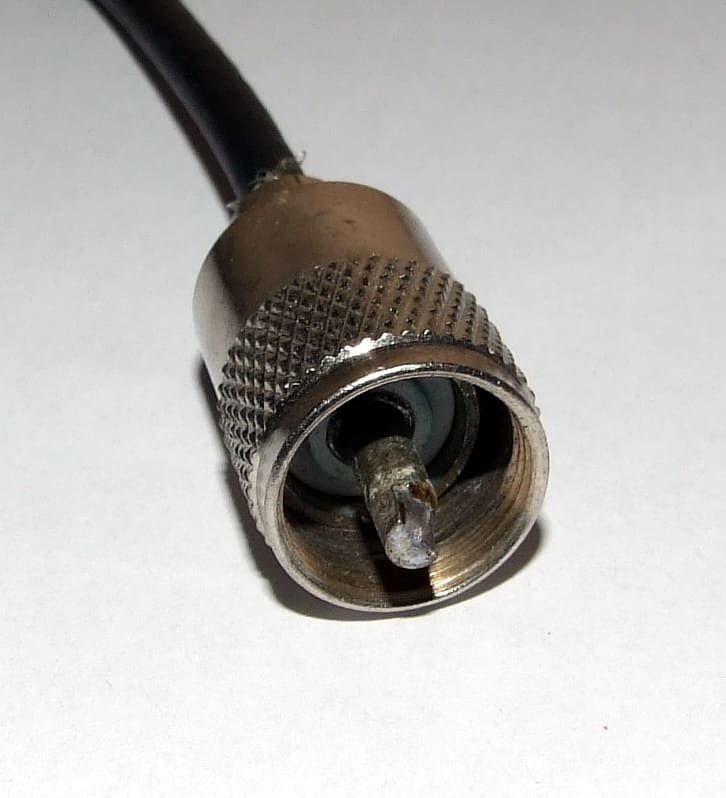
A PL-259 plug: look for green or white corrosion, a loose center pin or cracks. Photo: Appaloosa / Wikimedia Commons · CC BY-SA 3.0 Trace the coax as far as you can. Look for crushed spots under tight cable ties or clamps, sharp kinks, chafe where it passes through bulkheads, hatches or hinges, and cracked jacket. West Marine notes that once the jacket is cracked through to the shield, water gets in and the cable should be replaced. On sailboats, look at the mast step or deck connector, a favorite spot for corrosion.
Each joint costs a little signal, and each one is a place for water to get in. Look at barrel connectors, deck connectors, the AIS splitter if you have one, and any lightning arrestor. Corrosion inside a deck connector is a classic cause of a radio that worked fine last season. Make sure any AIS splitter is one made for AIS, as the AIS guide explains.
The topside connector at the antenna base is the most exposed point. A white or green crust around it means water has been getting in. Clean it with contact cleaner, dry it and reconnect firmly. Seal it with self-amalgamating tape stretched as you wrap, then cover with UV-resistant tape. West Marine suggests a thin layer of dielectric grease on the outer connector surfaces only, never on the center pin. Leave a drip loop in the cable below the connector so water runs off.
With the coax disconnected at both the radio and the antenna, check:
- center pin to center pin, end to end: should read near zero ohms
- shield to shield, end to end: near zero ohms
- center pin to shield at one end: should read open (no continuity)
West Marine points out that many fiberglass marine antennas are DC-grounded inside, so with the antenna connected a center-to-shield reading near zero can be normal. A short with the antenna disconnected means a cable or connector fault. Keep in mind that a meter only finds hard failures; wet coax can pass these checks and still waste most of your power.
SWR (standing wave ratio) shows how much power comes back down the cable instead of leaving the antenna. Use a meter that covers marine VHF and connect it between the radio and the coax with a short jumper. Listen first to make sure the channel is clear, then transmit for just a second or two on a working channel such as 68 or 72, at low power first, then high power.
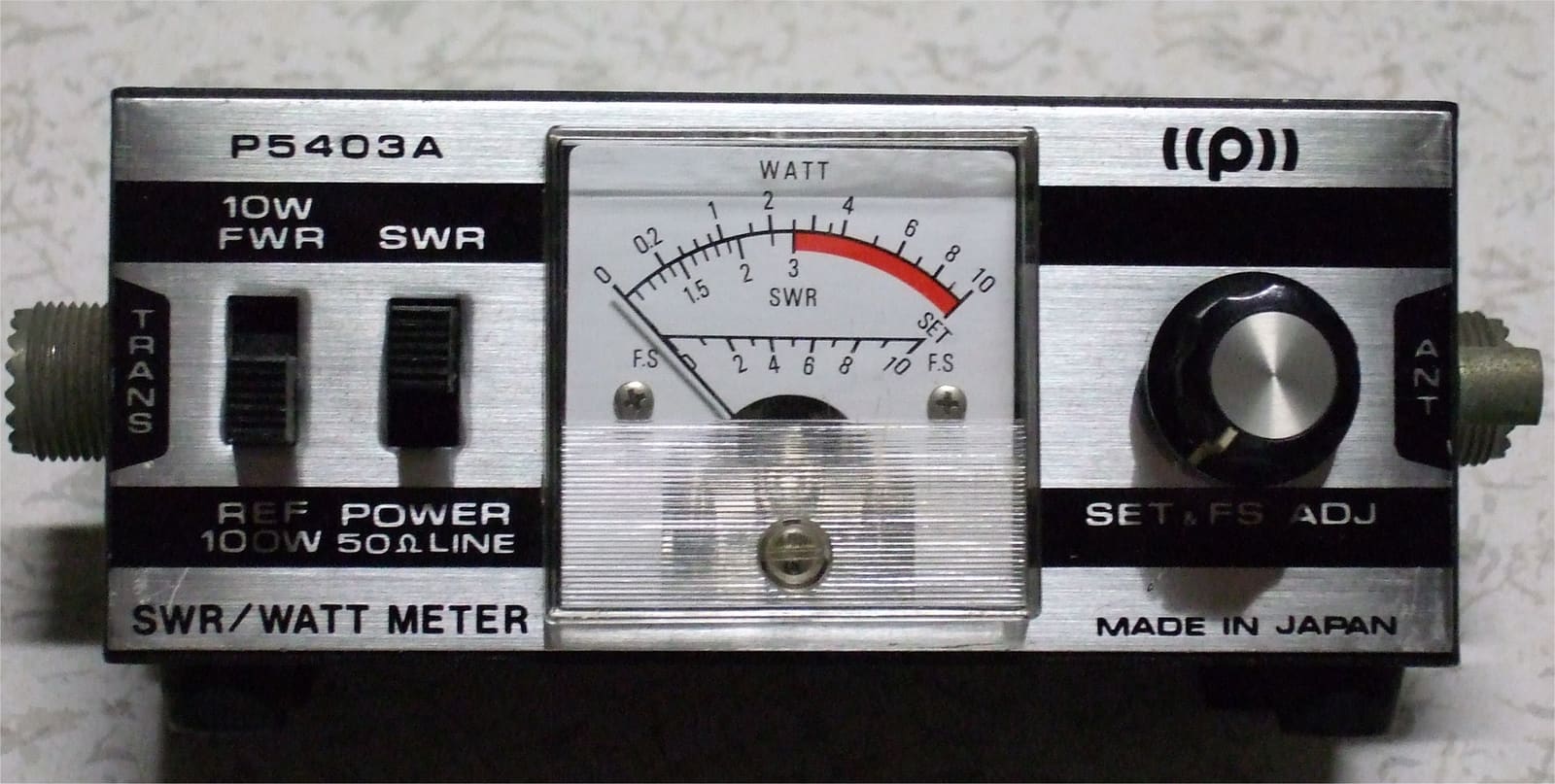
An SWR/power meter goes between the radio and the coax. Make sure yours covers the marine VHF band. Photo: 魔私利戸 / Wikimedia Commons · CC BY-SA 4.0 How to read it (check your antenna maker's figure too):
- Practical Sailor treats an SWR of 1.5 or lower, with the antenna connected, as a sign the antenna and coax are OK.
- West Marine calls 2:1 or lower good, and says above 3:1 is a significant fault to fix before relying on the radio for safety calls.
A high reading means a bad connector, damaged coax or a failed antenna. Practical Sailor warns of a trap: a low SWR measured at the radio can hide lossy coax, because wet cable soaks up the reflected power too.
To find wet or tired coax, Practical Sailor's field test disconnects the antenna at the top and measures SWR from the bottom with the far end open. With the antenna off, the reading should be high (Practical Sailor's figure is above 4.0); a lower reading means the cable itself is losing too much power. Reconnect the antenna and measure again; it should then be 1.5 or lower. This test needs someone at the masthead, so it usually happens when the mast is down or a rigger is aloft.
- Connector: cut back to clean, bright copper and fit a new marine-grade PL-259. BoatUS notes that solder-type PL-259s make a longer-lasting connection than crimp-on ones. Check the new connector with the multimeter before sealing it.
- Coax: replace the whole run in one piece if you can. West Marine suggests RG-8X or LMR-400-equivalent marine coax for runs up to about 20 feet and lower-loss cable for longer runs; your antenna or radio maker may specify a type. Avoid splices.
- Antenna: if the cable and connectors test good but SWR is still high or range is poor, the antenna has probably failed internally. Replace it with one suited to the boat: Boating Magazine notes lower-gain antennas suit small boats that rock a lot and masthead installs, while higher-gain eight-footers suit larger powerboats.
- Mount: use a mount rated for the antenna's length, through-bolted with a backing plate where needed and bedded against leaks.
After any repair, repeat the SWR test and the radio check with a friend at a known distance. Write the SWR readings, coax type and length, and date in BoatMend, so next year you can compare.
Common mistakes
- Asking for radio checks on channel 16, or pressing the distress button to "test."
- Overtightening PL-259 connectors with pliers.
- Leaving the antenna-base connector unsealed or with no drip loop.
- Trusting a low SWR at the radio when the coax up the mast is soaked.
- Splicing a short replacement antenna lead onto old coax with a barrel connector in the weather.
- Putting grease on the center pin.
- Mounting the VHF antenna right next to a cellular, AIS or Wi-Fi antenna or a radar, so they interfere.
When to call a pro
- Any work at the masthead or high on a tower
- Running new coax through a mast or a hard-to-reach arch
- SWR stays high after you've replaced the connectors and cable
- Adding an AIS splitter or a second VHF antenna
- Water or corrosion inside the mast, or a mast connector that's seized
- Lightning damage (see the lightning protection guide)
Tips
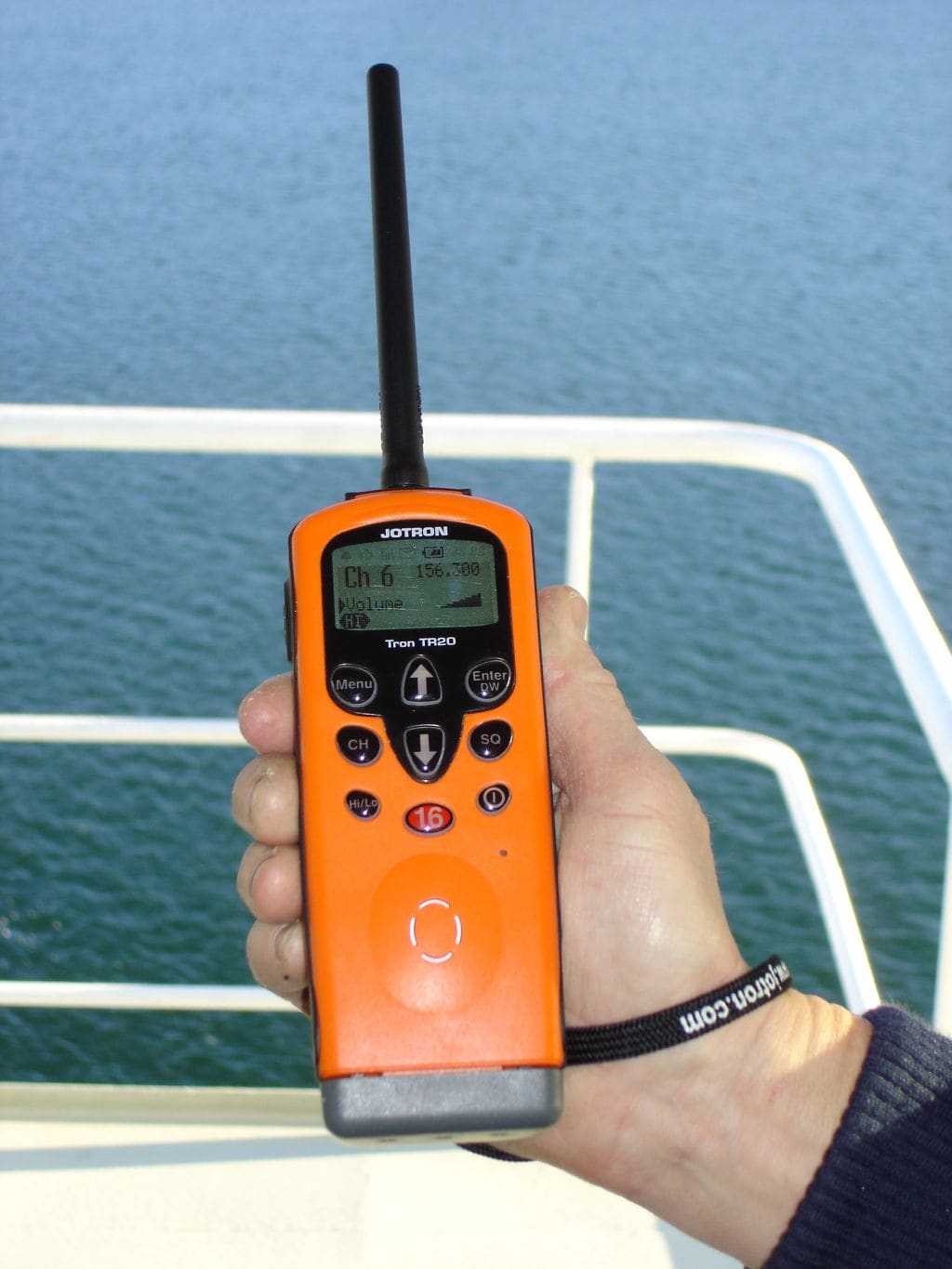
- Keep a handheld VHF charged as backup for the fixed radio.
- Inspect connectors every spring and after rough weather or rigging work.
- Note the antenna height and coax length in your log; it's useful when buying a replacement.
- If LED lights were added recently and reception got worse, see the LED VHF interference guide.
Official references
We read these to write this guide. Your engine's own manual always wins.
- U.S. Coast Guard Navigation Center – Performing a VHF Marine Radio Check
- Practical Sailor – Testing VHF Coaxial
- West Marine – How to Check VHF Antenna Connections on a Boat
- Boating – BoatingLAB Tests: VHF Antennas
- BoatUS – How To Install A VHF Radio
- Sailing Scuttlebutt – Troubleshooting the VHF Radio (Eric Steinberg, Farallon Electronics, 2022)
Safety: BoatMend is for information only and does not replace a certified marine technician. You are responsible for your safety and your boat. Read the full disclaimer.
Last updated 2026-11-06
Related guides
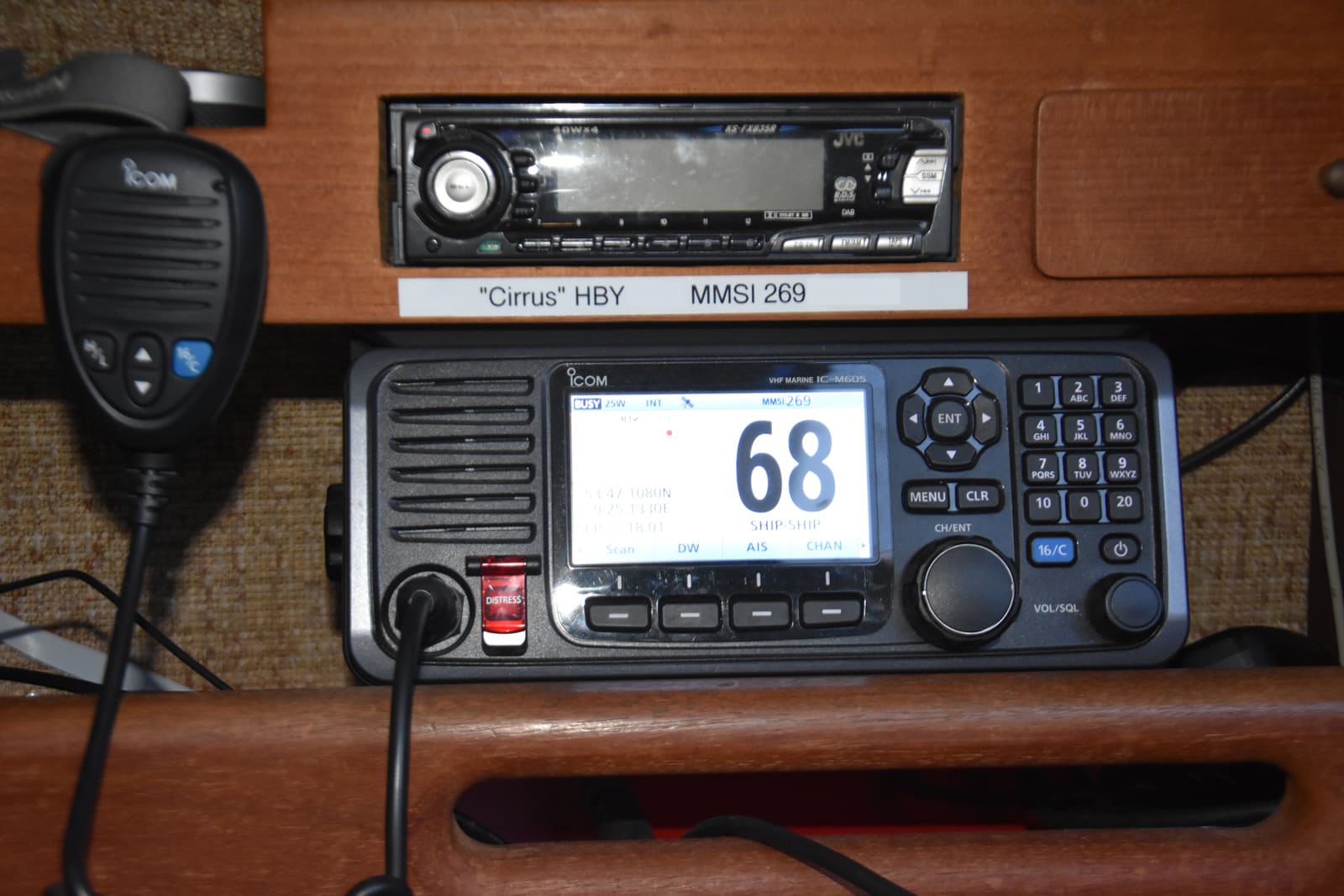
Set Up Your VHF Radio: MMSI, DSC, GPS Hookup and Radio Checks
Get a free or low-cost MMSI number, program it into your DSC radio, connect your GPS so a distress alert sends your exact position, check the antenna, and learn the Channel 16 rules and the right way to do a radio check.
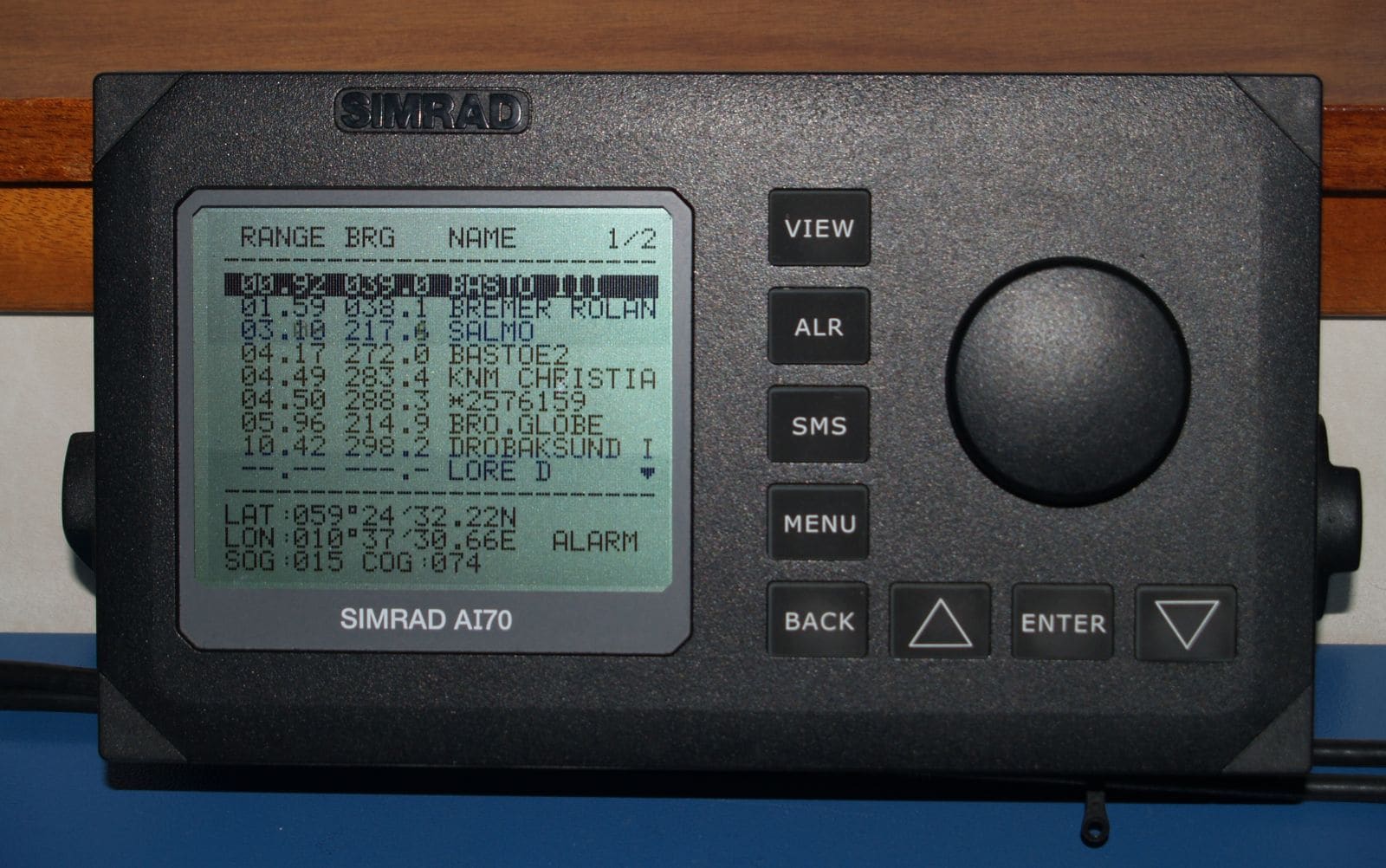
AIS on Your Boat: Receiver vs. Class B, MMSI Programming, Antennas and Checking You're Seen
Choose between a receive-only AIS and a Class B transponder, get the MMSI programmed the legal way, sort out the GPS and VHF antenna (or splitter), confirm other boats and the Coast Guard actually see you, and understand silent mode and AIS man-overboard beacons.
How to Find and Fix LED Lights That Interfere With Your VHF and AIS
Some LED bulbs and fixtures put out radio noise that quietly drowns weak VHF calls, DSC alerts and AIS targets. Run the Coast Guard's squelch test, track down the noisy light with a handheld radio, and fix it with distance, filtering or a quieter fixture.

Lightning and Your Boat: Protection, Storm Safety and After-Strike Inspection
How lightning damages boats, what a professionally installed protection system (ABYC and NFPA 780 guidance) can and cannot do, what to do when a storm catches you on the water, and a step-by-step inspection checklist after a strike, including the haul-out, compass, electronics, through-hulls and the insurance claim.
How to Find and Fix Corroded Electrical Connections on a Boat
Track down the green crust and loose terminals behind flickering lights, dead gauges and slow cranking with a simple voltage-drop test, then remake the connection the marine way: tinned wire, a proper crimp, adhesive-lined heat shrink and a protective coating.

Stepping and Unstepping a Sailboat Mast: Trailer Sailers and Yard Cranes
How to raise and lower a sailboat mast safely, whether you step a trailer sailer's mast at the ramp or help the yard crane do it, including power-line checks, mast wiring, basic tuning afterward, and when to leave the job to the yard.
Internet Near Shore: Cellular Routers, Signal Boosters and Marina Wi-Fi Extenders
For boats that stay within sight of land, a cellular router, a legal signal booster or a marina Wi-Fi extender can be a cheaper alternative to satellite. Learn which one fits how you boat, why antenna placement and cable length matter, the FCC rules for boosters, how much power they use and how to test that it actually works.