Remote Boat Monitoring: Bilge, Battery, Shore Power and GPS Alerts on Your Phone
Choose, install and set up a system that texts you when your unattended boat is taking on water, losing battery or shore power, or moving without you. Covers cellular versus satellite, what each sensor really tells you, wiring it so it stays on, sensible alert settings and what happens to your location data.

Time
3 h
Shop would charge
$250-900
Applies to
All engines
Safety first: A monitor tells you about a problem; it doesn't fix it. If you get a high-water alert, call the marina, a neighbor, TowBoatUS or Sea Tow, and never go below alone on a boat that may be sinking (in an emergency call 911 or the USCG on VHF 16). If the system reports a break-in, call the police instead of confronting anyone. Turn the battery switch off before wiring, fuse the monitor's power lead at the battery, and leave any AC or shore-power wiring to a marine electrician.
Owners often ask
- Is a remote boat monitoring system with a monthly subscription worth it for a boat kept in a slip?
- Will a cellular boat monitor work at my mooring, or do I need satellite?
This guide walks you through it. Still stuck? Ask the AI Mechanic about your engine.
Tools
- Digital multimeter
- Wire stripper and ratcheting crimper for heat-shrink terminals
- Heat gun
- Drill, screwdrivers and nut drivers
- Cable ties and cushioned clamps
- Smartphone with the system's app installed
Parts & supplies
- Monitoring hub (cellular, satellite or both) and its antenna
- Sensors you need (high-water float, bilge pump sense wire, battery, shore power, door/hatch, motion)
- Inline fuse holder and fuse of the rating the maker specifies
- Tinned marine wire and heat-shrink butt connectors
- Subscription plan from the system maker
Before you start
Most boats spend far more time alone than with their owners. BoatUS Marine Insurance found that 69 percent of the boats that sank went down at the dock, not underway. And BoatUS Seaworthy's look at theft claims found most stolen boats were taken from their trailers, with only about one in ten ever recovered. A monitoring system won't stop either, but it can give you hours of warning instead of a phone call from the marina the next morning.
Remote monitors all work in roughly the same way: a small hub on the boat reads sensors and sends alerts and data to an app on your phone, over the cellular network or by satellite. Examples include Siren Marine (partnered with Yamaha), Garmin OnDeck, Faria Beede Sentry and GOST, and simpler text-alarm modules. Most require a paid subscription. Features differ, so treat the steps below as a checklist to compare systems and set one up properly.
Steps
Write down the risks for your boat and where it lives:
- Taking on water (in-water boats): bilge pump activity and high water.
- Battery going flat, which can also stop the bilge pump.
- Shore power dropping out, which shuts off the charger, and in winter, heaters, de-icers or dehumidifiers.
- Theft or break-in: boat movement, doors, hatches, canvas.
- Temperature: freezing in winter, or a hot engine room or fridge.
A trailer boat in a driveway needs location and movement alerts most. A boat in a slip all winter needs bilge, battery and shore-power alerts most.
- Cellular hub with sensors. The most common type. Yamaha describes the Siren Marine setup as a main device, an app and a subscription, giving battery monitoring, GPS position and geofencing as standard, with wired and wireless sensors added to taste. Garmin's OnDeck kit came with door, temperature and shore-power sensors and a relay switch, and works with or without a chartplotter.
- Satellite. For boats outside cell coverage. GOST advertises satellite tracking that needs no cellular signal, and Siren offers plans with satellite coverage.
- Simple alarm modules. Practical Sailor tested an older cell-based unit about the size of a deck of cards that texted up to three phone numbers when bilge water or battery voltage crossed a limit. Less polished, but often cheaper.
- Engine-data systems. Some hubs also read engine data. Faria Beede says its Sentry works with Mercury SmartCraft, NMEA 2000 and J1939 engines. Don't confuse these with engine apps that work over Bluetooth: Mercury's app, for example, streams live engine data, faults and maintenance reminders through a plug-in SmartCraft Connect module, but Bluetooth only reaches your phone when you're aboard or close by. It's a digital dashboard, not a remote monitor.
- Wi-Fi systems. BoatUS has described monitors that connect through the marina's Wi-Fi, which can cut subscription costs if your marina's signal is reliable at your slip. If the Wi-Fi drops, so do your alerts, so test it.
- Stand-alone trackers. Small GPS trackers with their own battery, some satellite-based, simply text or email you when the boat moves or leaves a geofence. BoatUS mentions one type made for outboard and sterndrive boats that also alerts if the battery dies or the outboard is disconnected, a useful feature where thieves target motors rather than whole boats.
Engine-brand integration has limits. Yamaha's U.S. rigging page lists the Siren 3 Pro as compatible with select digitally controlled Yamaha outboards of 150 hp and up and with Helm Master EX and some older Helm Master systems, adding engine maintenance history and a float plan to the app; it tells owners to confirm compatibility with a Yamaha dealer. A mechanically rigged or smaller outboard can still use the hub for bilge, battery and location, just without the engine data. Check the same way with your own engine maker before paying for an "integrated" package.
Buying used? A monitor that came with a used boat may be an older model built around a cellular network that carriers have since retired. Ask the maker whether the hub still connects before counting on it.
Compare the hardware price, the yearly subscription and which sensors are included before you buy.
A cellular monitor only works where your phone works. Stand at your slip, mooring or storage spot and check your signal. If it's weak, look for a system with an external antenna (Practical Sailor's tester suggested one for poor reception) and mount it high and clear. If the boat goes beyond cell range, or you want tracking offshore, budget for a satellite plan.
The hub must stay powered when you turn the boat off and leave. That means wiring it to the battery side that stays live with the battery switch off, through its own inline fuse at the battery, sized as the maker specifies. Many hubs have an internal backup battery (Garmin listed up to 48 hours for OnDeck), so they can still report after the boat battery dies or someone disconnects it.
Remember the hub itself is a small constant load. On a boat that sits for weeks without a charger or solar panel, check that it won't drain the battery it's guarding (see the parasitic battery drain guide).
Most hubs measure the voltage of the battery that powers them, and some take a second battery input. Set the low-voltage alert high enough to warn you while there's still time to act: a 12-volt lead-acid battery reading around 12.2 volts at rest is roughly half charged (typical; your battery maker's chart rules). A battery that drops overnight while on shore power points to a failed charger or a tripped shore breaker.
Pump activity. A sense wire from the bilge pump's float-switch output (not the manual switch) lets the hub log every time the pump runs. Siren lists bilge run time and daily cycles. This is the early warning: as BoatUS's Don Casey explains, leaks usually start small and grow, and an automatic pump can hide them for weeks. A pump that suddenly runs more often, or longer, is telling you something. BoatUS also notes this method doesn't work with pumps that switch on by themselves every few minutes to check for water.
High water. A separate float sensor mounted above the normal pump-on level catches a failed pump or a leak faster than the pump. BoatUS suggests placing a high-water switch high enough that normal bilge water doesn't set it off, but low enough to warn of real trouble, and checking float switches at least yearly.
Connect sense wires with proper heat-shrink connectors and don't alter how the pump itself is switched (see the bilge pump wiring guide).
A shore-power sensor tells you when dock power drops, whether from a tripped pedestal breaker, a marina outage or someone unplugging your cord. Siren and Garmin both use a plug-in style sensor, so no one needs to open the AC panel. In winter, pair it with a temperature sensor in the cabin or engine room; losing power on a cold night is exactly when you want to know.
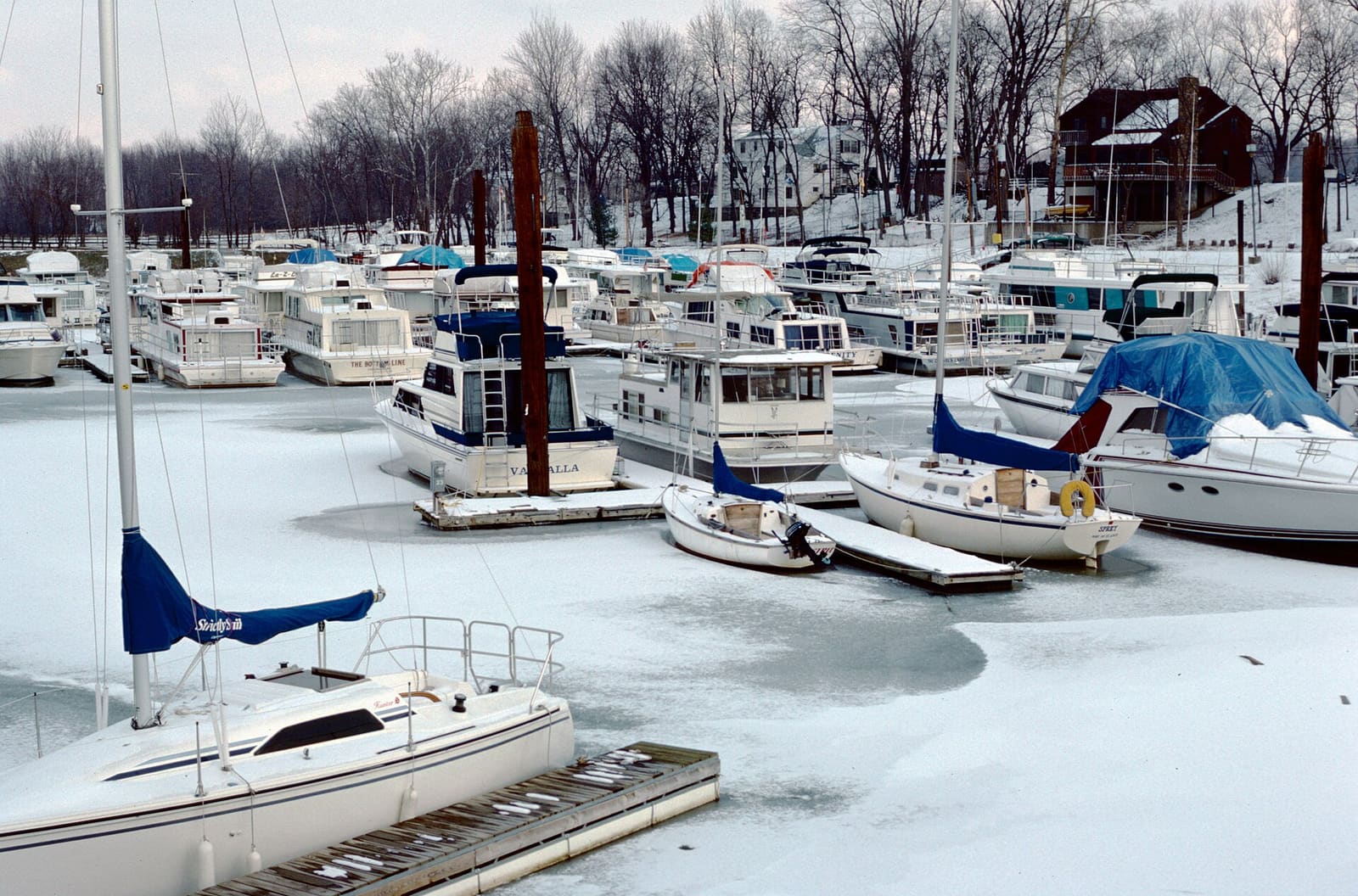
Photo: William Alden / Wikimedia Commons · CC BY-SA 2.0 Typical options: magnetic reed switches on doors, hatches and lockers; motion sensors in the cabin; and, on some systems, a sensor that replaces one canvas-cover snap and alerts if it's opened. Many hubs can also sound an alarm on board. GOST adds cameras that let you look aboard and confirm what's happening. Hide the hub where a thief won't find it in a minute, and don't advertise the brand with a sticker.
A geofence is a virtual circle around the boat's normal spot. Make it big enough to cover normal movement (a boat swinging on a mooring, a lift going up and down, GPS drift) or you'll get false alarms; small enough that a trailer leaving the driveway triggers it. Know how often your system reports position: Garmin said OnDeck updates every 15 or 30 minutes depending on power, while Faria Beede says Sentry reports every 2 minutes while moving and every 3 hours at rest. A thief can be a long way off before a slow update arrives.
Send alerts to more than one phone: yours, a family member's and, if they agree, a dock neighbor's or the marina office. Write a short plan and keep it in the app or in BoatMend:
- High water: call the marina or a neighbor to check, and call TowBoatUS or Sea Tow if pumping help is needed.
- Shore power lost: ask the marina to reset the pedestal breaker; don't ask a neighbor to handle your shore-power cord in wet conditions.
- Movement or break-in: call the police with the boat's position; don't go yourself.
After installing, lift the high-water float by hand, run the bilge pump, unplug shore power and open a monitored hatch, and confirm each alert arrives on every phone. Repeat at the start of each season and before you leave the boat for a long stretch, like winter or hurricane season.
These systems record where your boat is and when it moves, and some keep data in the cloud (Garmin said OnDeck data was available for 30 days). Before you buy, read the privacy policy: who can see location history, whether it's shared, and how to delete it. Use a strong password and two-step login on the app, and only share access with people you trust. When you sell the boat, remove your account from the hub, cancel or transfer the subscription, and give the buyer the hardware reset so your location history isn't handed over with the boat.
Some hubs can switch things on board from your phone, such as lights, a bilge pump, a fridge or air conditioning. Only use remote switching for loads that are safe to run with nobody aboard. Never use it to run heaters, cooking appliances or anything fuel-burning on an unattended boat.
Common mistakes
- Wiring the hub after the battery switch, so it goes dark the moment you leave.
- Setting the high-water float too low, getting nuisance alerts and then ignoring the real one.
- Only monitoring high water, missing the slow increase in pump cycles that warns of a leak days earlier.
- Assuming cellular coverage at a remote mooring or winter storage yard.
- Letting the subscription lapse and not noticing until something goes wrong.
- Never testing the alerts after the first day.
- Selling the boat with your account still linked to the tracker.
When to call a pro
- Wiring into AC panels, shore-power inlets or anything on the 120/240-volt side
- Boats with several bilge compartments or pumps that need individual sensors
- Integrating the hub with an NMEA 2000 network, engine data or a chartplotter if you're unsure of the connections
- Any alert you can't explain, especially rising bilge pump activity: have the boat hauled or inspected for leaks (see the bilge water source finder and taking on water guides)
Tips
- Put the monitor's alert sounds on a setting that breaks through your phone's "Do Not Disturb."
- Log a "normal" week of bilge cycles when the boat is healthy so you can spot changes.
- Keep a spare bilge pump fuse and the monitor's inline fuse labeled at the battery.
- Ask your insurer whether they offer anything for monitored boats, and save the alert history after any incident for your claim.
- A monitor is a backup, not a replacement for visits: still check the boat in person, especially after storms.
Official references
We read these to write this guide. Your engine's own manual always wins.
- Yamaha Motor Canada – Outboard Tech, Siren Marine (devices, sensors, cell or satellite plans)
- Panbo – Garmin Announces OnDeck Boat Monitoring (sensors, GPS update interval, backup battery, 30-day cloud data)
- Faria Beede – Sentry Remote Monitoring
- GOST Global – Boat Security, Tracking and Video Surveillance
- Practical Sailor – Boatsense Simplifies Remote Monitoring
- BoatUS Magazine – Three Alarms That Can Save Your Boat (69 percent of sinkings at the dock)
- BoatUS – How To Monitor Your Bilge Pump (warning light and cycle counter)
- BoatUS – Boat Theft Prevention Systems (Lenny Rudow, 2016)
- Mercury Marine Dockline – Transitioning from VesselView Mobile to the Mercury Marine App
- BoatUS Seaworthy – Analyzing Boat Thefts
- Yamaha Outboards – Other Rigging Options (Siren 3 Pro compatibility)
Safety: BoatMend is for information only and does not replace a certified marine technician. You are responsible for your safety and your boat. Read the full disclaimer.
Last updated 2026-10-25
Related guides
How to Install a Backup Bilge Pump and High-Water Alarm
Add a second, larger automatic bilge pump mounted above the primary, with its own overboard discharge and a loud high-water alarm wired so it works even with the battery switch off, then test it every month so it buys you real time if the boat starts taking on water.
How to Test and Clean Your Bilge Pump and Float Switch
Make sure your bilge pump actually moves water overboard, both on the manual switch and automatically through the float switch. A working bilge pump is one of the most important safety systems on any boat that stays in the water.
How to Wire a Bilge Pump Correctly (Automatic Float, Panel Switch and Fuse)
Wire your bilge pump so the automatic float works even with the battery switch off, the helm switch gives you a manual override, and every circuit has the right fuse, wire size and connections kept above the bilge water. A pump that is wired wrong can leave the boat unprotected exactly when nobody is aboard.
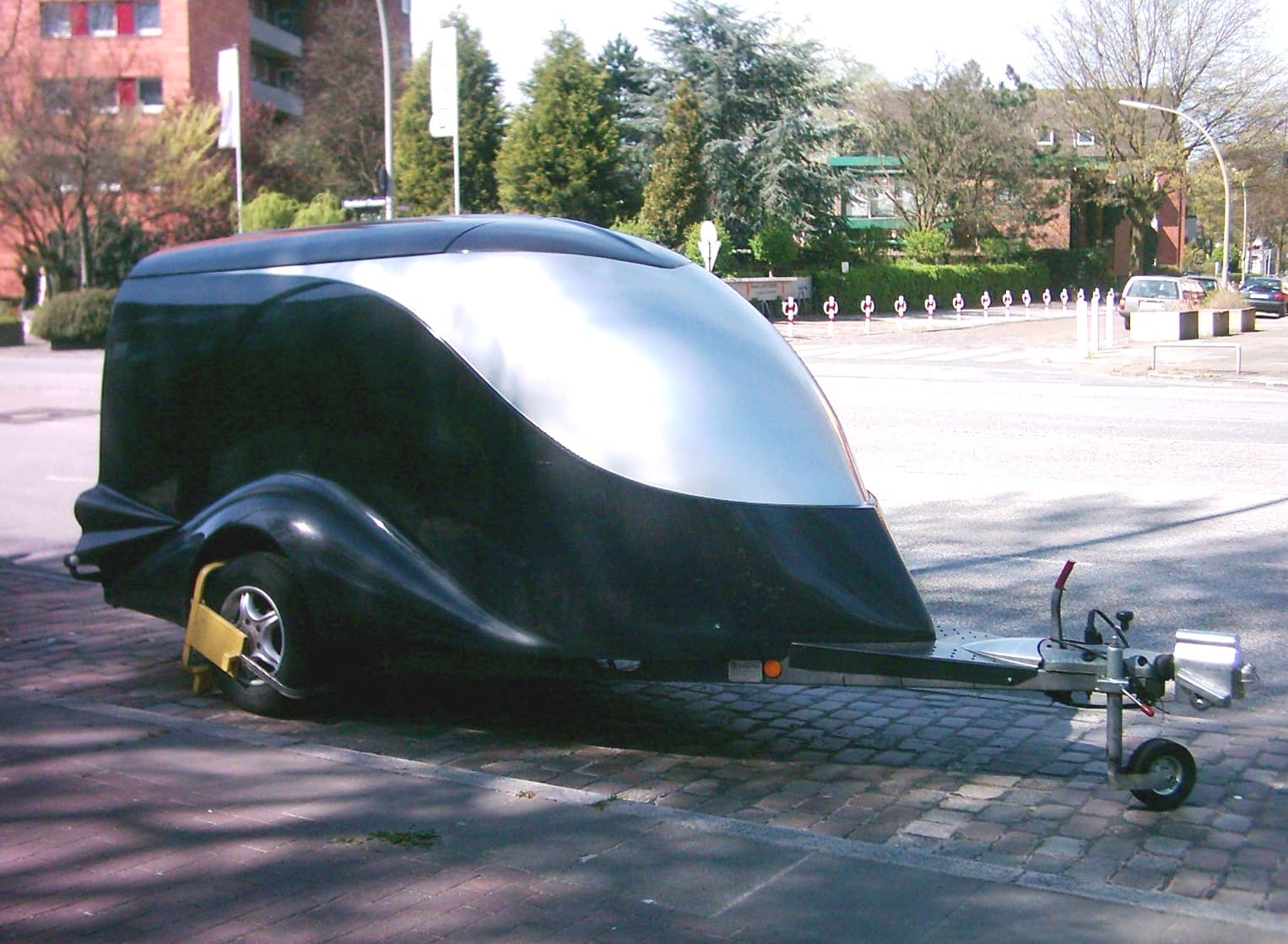
How to Protect Your Boat, Motor and Trailer From Theft
Practical, layered security for boat owners: outboard locks, trailer coupler and wheel locks, disabling the boat, GPS trackers, engraving and marking, photo and serial number records, safer storage, and exactly what to report (HIN and serial numbers) if your boat is stolen.
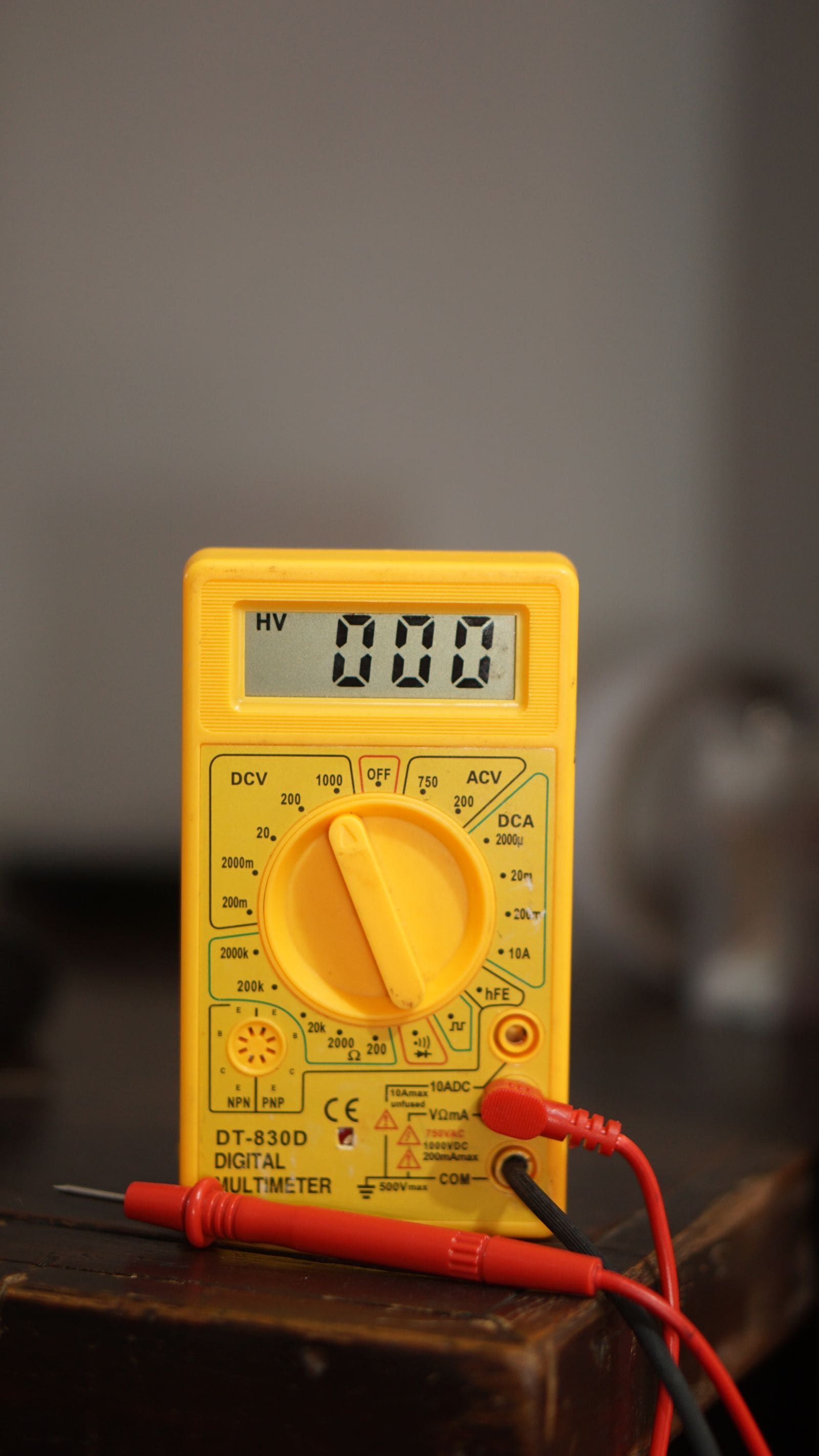
Battery Goes Dead While the Boat Sits - How to Find a Parasitic Drain
If your boat battery is flat every time you come back, something may be quietly drawing power while you are away. Learn how to tell a bad battery from a drain, find the circuit with a multimeter and the fuse panel, and fix the usual culprits without disabling your bilge pump.
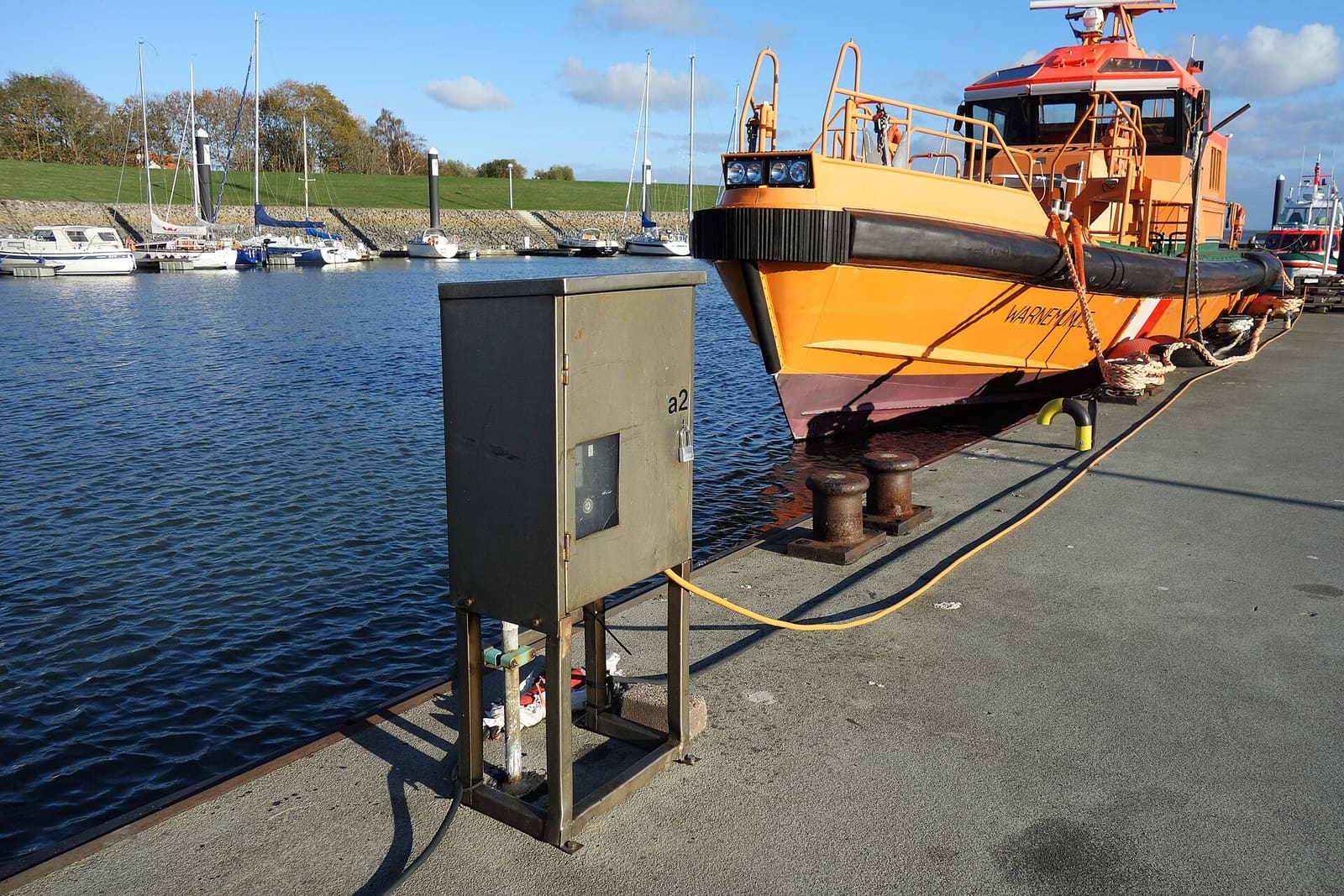
Shore Power Safety: Cords, Inlets, Burned Plugs and Electric Shock Drowning
An owner's inspection routine for your shore power cord, plugs, boat inlet, galvanic isolator and ground-fault protection, plus the right way to plug in and the facts about Electric Shock Drowning. This guide is for looking and testing only; any electrical repair belongs to an ABYC-certified marine electrician.
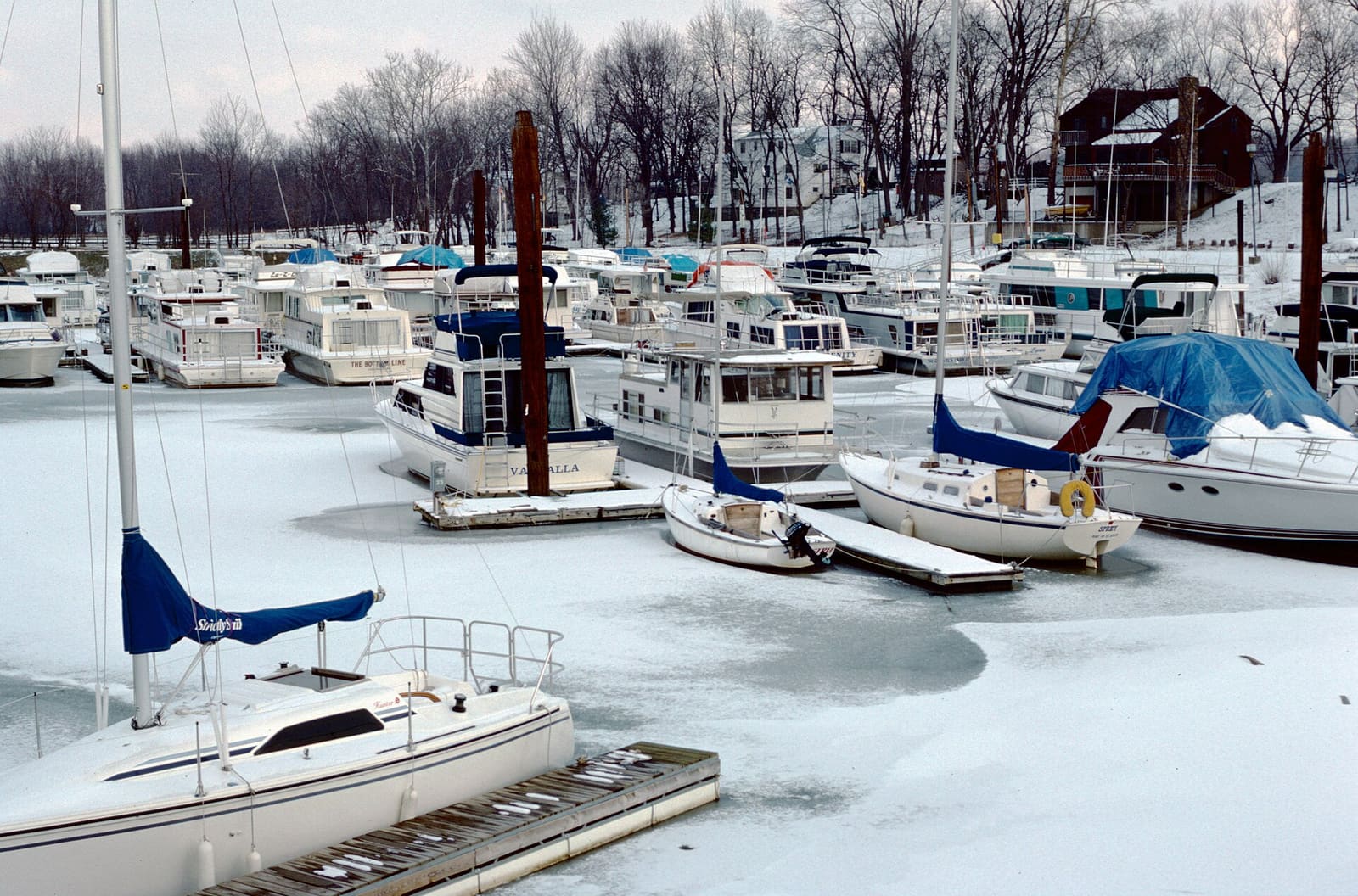
How to Keep Your Boat in the Water Over Winter (De-Icers, Covers and Checks)
Wintering afloat can be safe if you still winterize every water system, keep the bilge pump and batteries working, use a de-icer correctly on a GFCI-protected circuit, respect the shock and thin-ice risks, and visit the boat regularly.

How to Prepare Your Boat for a Hurricane or Tropical Storm
Make a written storm plan before the season, then haul out or secure the boat with doubled lines and chafe gear, strip off everything that catches wind, and check it safely after the storm. Never ride out a hurricane aboard.
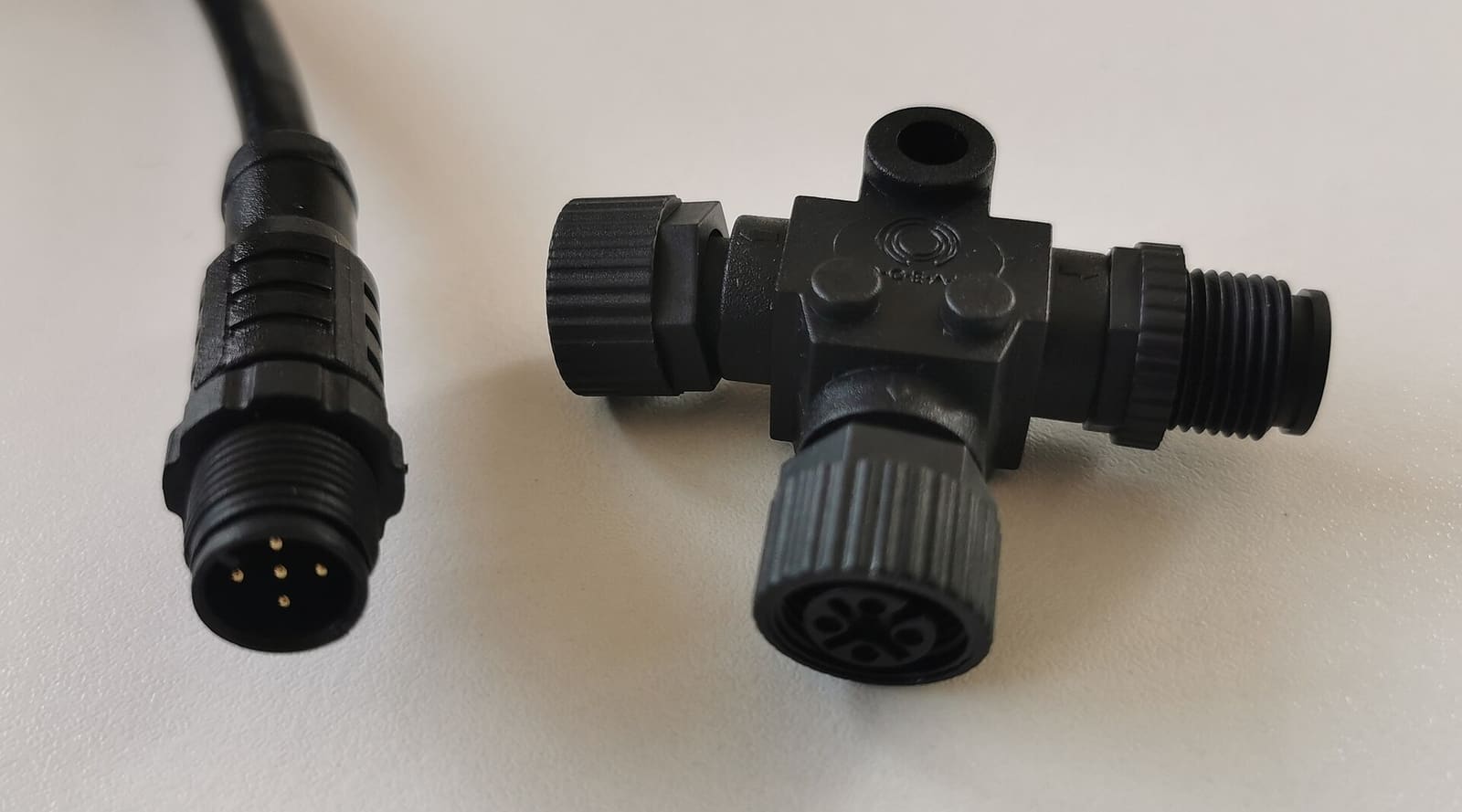
NMEA 2000 Network Basics and Troubleshooting (Plus Chartplotter Updates)
Understand the backbone, terminators, power tap and drop cables that tie your chartplotter, engine data, GPS, depth and autopilot together, then track down why a device keeps dropping off. Finish by updating chartplotter and device software the safe way.
What to Do When Your Boat Is Taking On Water: Emergency Steps and Prevention
A step-by-step emergency plan for water coming into the boat - life jackets on, call for help early on VHF 16, find and slow the leak, pump, and head for shallow water if needed - plus the maintenance checklist that prevents most sinkings.
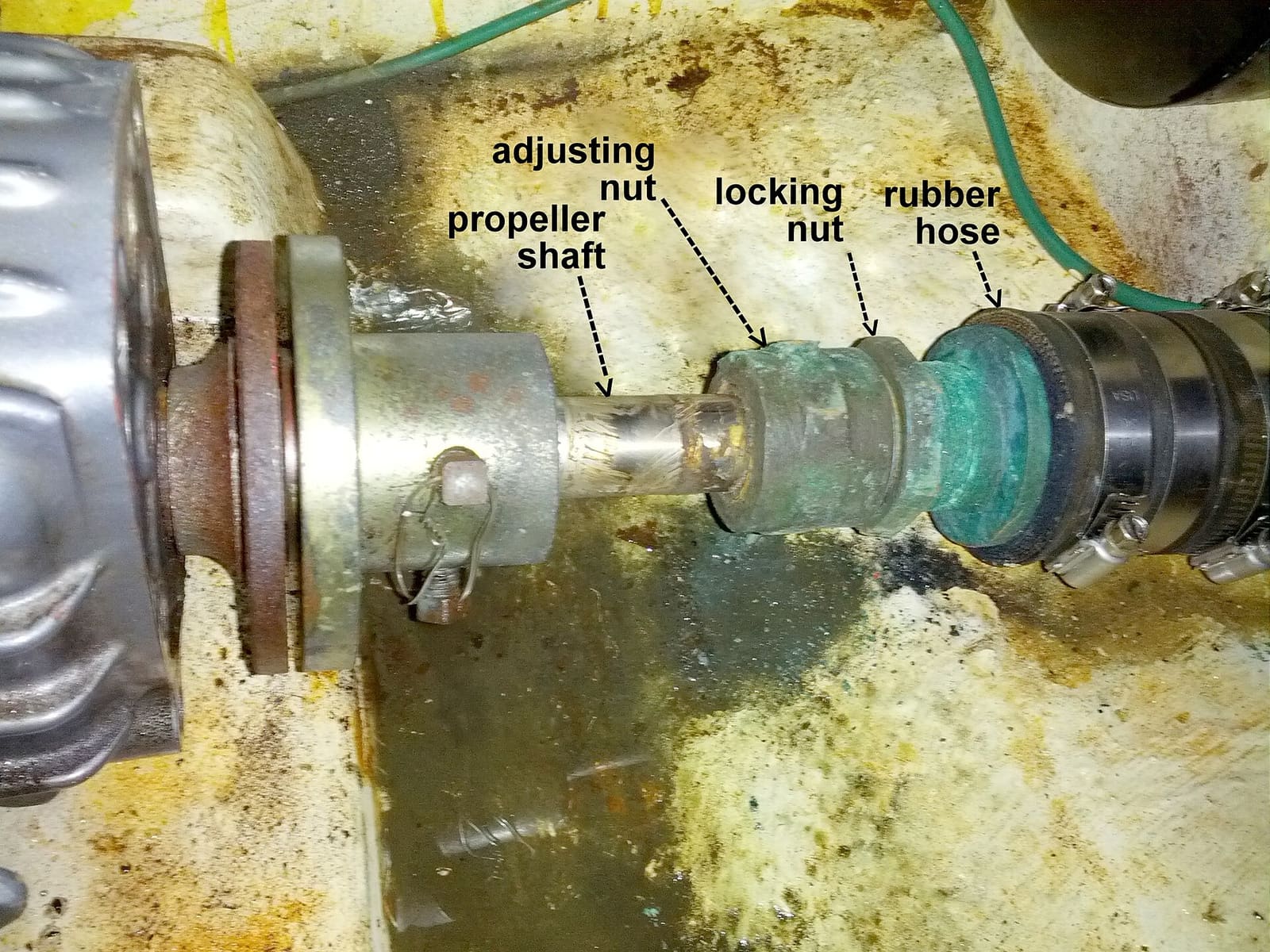
Where Is the Water in My Bilge Coming From? A Step-by-Step Leak Finder
Track down the source of water in your bilge, from the cheapest clues (when it appears, salt or fresh) to the usual suspects: rain and deck drains, the freshwater system, AC condensate, the shaft seal, raw-water hoses and through-hulls. Fix the leak instead of relying on the bilge pump.